
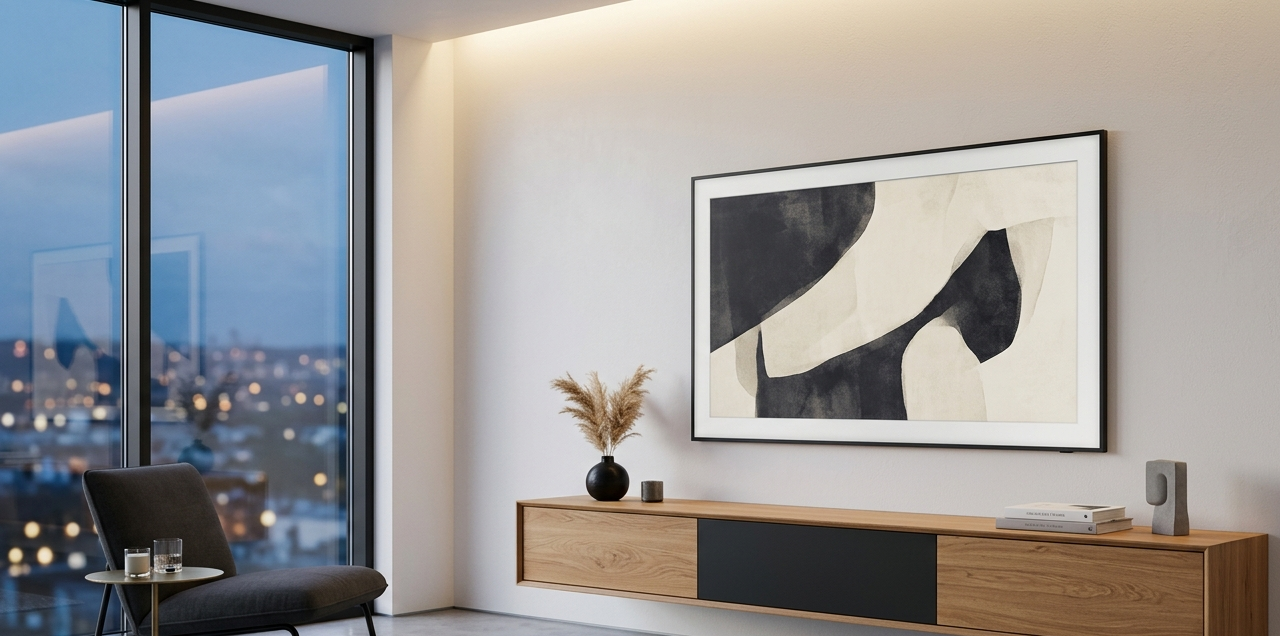
When we talk about hidden cable management ideas for a clean home office desk, we aren’t just talking about tidiness. We are talking about visual psychology. A cluttered desk leads to a cluttered mind. Today, we are going deep into how to integrate your 21st-century needs into a timeless, high-aesthetic interior.
The Evolution of the “Invisible” Office
Historically, the office was a place of heavy mahogany and paper trails. Cables weren’t an issue because the only thing “plugged in” was a brass desk lamp. As we transitioned into the digital age, our homes weren’t prepared for the sheer volume of copper and rubber required to keep us connected.
The modern challenge is integration without sacrifice. We no longer want our homes to look like server rooms. We want the “Japandi” serenity or the “Mid-Century Modern” sleekness, even while running a dual-monitor setup with high-speed fiber optics. The secret lies in treating cables not as a nuisance to be ignored, but as a design element to be managed with the same care as your textural contrast and lighting layers.
Texture, Tone, and Tactility: The Palette of Organization
In my experience, the biggest mistake people make is buying neon-colored plastic zip ties or bulky, industrial-looking black boxes. If you want a luxury feel, your cable management materials must match your room’s color palette.
The Color Palette of “Invisible” Tech
When selecting sleeves, boxes, and clips, I recommend sticking to a palette that mimics natural materials or fades into your wall color.
- Warm Sand (#E2D1C3): Perfect for desks in light oak, birch, or maple. Use leather cable wraps in this tone to add a touch of luxury.
- Deep Charcoal (#36454F): Use this for modern, industrial, or moody offices. Charcoal felt or wool sleeves provide a wonderful textural contrast against cold metal desk legs.
- Soft Greige (#BDB7AB): The ultimate neutral. This blends seamlessly with off-white walls, preventing the “cord shadow” effect.
Textural Choices
I often steer my clients away from plastic. Instead, look for:
- Braided Nylon: It has a fabric-like sheen that feels intentional rather than utilitarian.
- Full-Grain Leather: Using leather button-loops to bundle cords on top of the desk adds a “bespoke” feel.
- Wool Felt: A felt cable tray tucked under a desk softens the acoustics of the room while hiding the power brick.
The Curator’s Choice: 5 High-Aesthetic Workspace Essentials
Selecting the right tools is like picking jewelry for an outfit. It should be functional but, above all, it should be beautiful. Here are the five categories I swear by for a high-end finish.
1. The Sculptural Cable Box
Forget the cheap plastic bins from the big-box stores. I prefer boxes made from recycled ABS with a real wood lid (bamboo or walnut). These serve as a platform for a small succulent or a ceramic tray for your glasses, masking their true purpose.
2. Weighted Magnetic Cord Anchors
Nothing ruins a spatial flow like a phone charger sliding off the desk and onto the floor. Magnetic anchors in brushed brass or matte midnight chrome act like paperweights. They keep your lightning cables exactly where you need them, looking like intentional desk accessories.
3. Under-Desk Mesh Hammocks
In my styling projects, I find that solid metal trays can be too “office-y.” A high-tension fabric or mesh hammock allows for airflow (crucial for power bricks) but creates a soft, draped silhouette that hides the mess without adding hard edges.
4. Leather “Taco” Wraps
These are small, circular pieces of leather that fold over a cord and snap shut. They are perfect for travel or for the cables that live on top of your desk. They turn a messy USB-C cord into a curated design detail.
5. Hollow-Leg Furniture
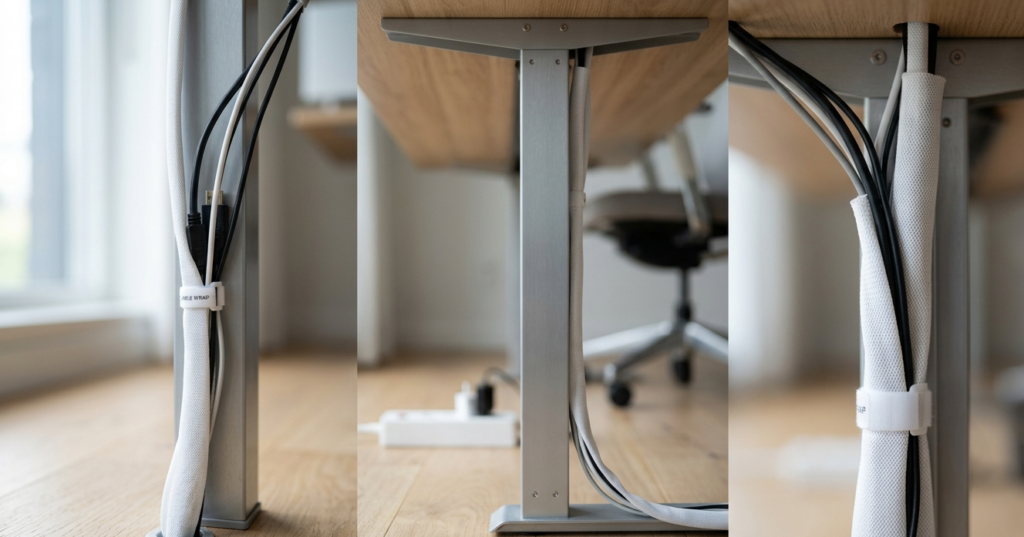
This is the “Holy Grail” of hidden cable management ideas for a clean home office desk. If you are currently shopping for furniture, look for desks where the legs are actually hollow channels. This allows you to run the power cord from the floor up through the leg itself, making the desk appear completely wireless.
Implementing the “Vanishing Act”: A Step-by-Step Guide
Step 1: The Audit of Necessity
Before you hide them, reduce them. I always tell my clients: “If you haven’t used that peripheral in six months, it doesn’t belong on the desk.” Once you have your core tech, swap out standard black plastic cables for braided versions in colors that match your desk surface.
Step 2: The Vertical Run
The most visible cables are the ones traveling from the desk to the floor. To solve this, use a J-Channel cable racer or a fabric sleeve that matches your desk leg. If your desk is metal, use magnetic clips to run the wires down the inside face of the leg, hiding them from view.
Step 3: The Power Hub Mounting
Mount your power strip directly to the underside of the desk using heavy-duty adhesive strips or brackets. This ensures only one “master” cord ever has to reach the wall outlet.
Room-by-Room Application: Beyond the Office
Cable management isn’t just a workspace issue; it’s a whole-home lifestyle choice.
The Living Room: The Media Console
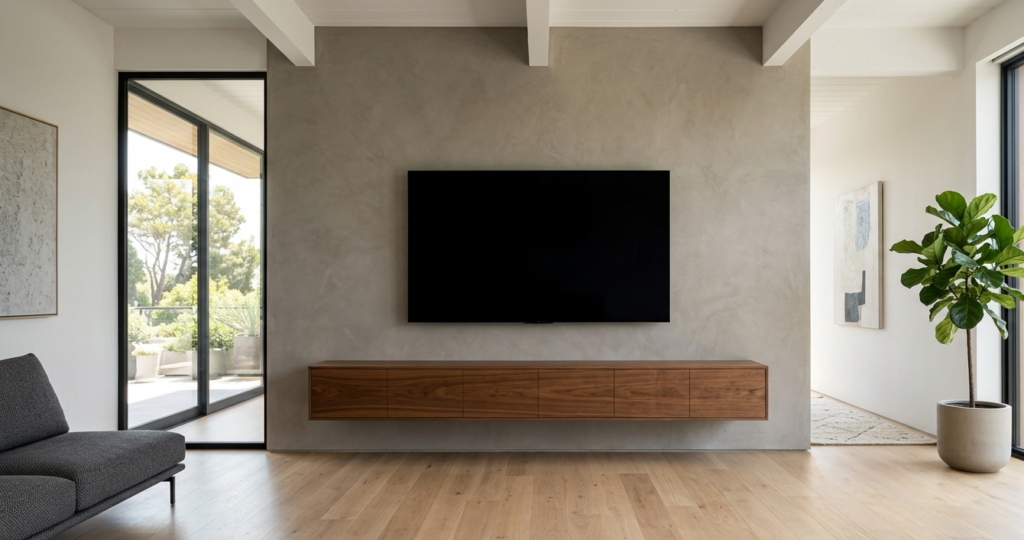
The living room is often the heart of the home, and a “cord waterfall” under the TV is a major design faux pas. I suggest using decorative baskets with discrete holes cut in the back to house routers and gaming consoles. This adds a natural texture to the room while keeping the tech accessible.
The Bedroom: The Nightstand Sanctuary
The bedroom should be a place of rest. I find that visible charging cables create “micro-stress.” Use nightstands with built-in charging drawers or add a small, felt-lined “docking station” that hides the wires within a beautiful box. This preserves the lighting layers of your bedside lamps without the interference of tangled white cords.
The Kitchen: The Tech Station
We all have that “junk corner” where phones and tablets get charged on the kitchen counter. To maintain a clean, culinary aesthetic, I recommend “charging drawers.” By installing a power strip inside a drawer, you can tuck the devices away entirely while they juice up, keeping your marble or quartz counters pristine.
Pros and Cons: Aesthetic vs. Functional Management
| Strategy | Aesthetic Pro | Functional Con |
| Hollow Furniture Legs | Completely invisible; looks like magic. | Hard to swap out cables once they are threaded through. |
| Decorative Cable Boxes | Adds a surface for styling (plants/art). | Takes up physical footprint on the desk or floor. |
| Wall-Mounted Raceways | Cleans up the “vertical run” perfectly. | Can be difficult to paint-match perfectly to the wall. |
| Under-Desk Mounting | Keeps everything off the floor for easy cleaning. | Requires some “crawling under the desk” for setup. |
You might also enjoy:
- The Art of the Shelfie: How to Style Open Shelves
- Woven Wonders: Styling Decorative Storage Baskets
- Sparkle and Style: Creative Jewelry Storage Displays
Lighting and Spatial Flow
One often overlooked aspect of cable management is how it affects your lighting design. In a well-styled room, light should graze surfaces and create warmth. Shadows cast by tangled wires across a wall can create a “gritty” feel. By tucking your cables away, you allow your lamps to cast clean, crisp pools of light, enhancing the overall mood and spatial flow of the workspace.
When the eye isn’t interrupted by the “visual noise” of cables, the room feels larger and more intentional. It’s the difference between a room that looks “lived in” and a room that looks “curated.”
The Expert Tip: The “Two-Inch Rule”
In my experience, I’ve developed what I call the Two-Inch Rule. No matter how well you hide your cables, there is usually a small gap where they are visible—either at the wall outlet or where they plug into the device.
The tip: Ensure those two inches are beautiful. Use a high-quality, color-matched cord for that final stretch. If your wall is white, use a white cord. If you have a dark wood desk, use a black or charcoal braided cord. It’s that final attention to detail that separates a DIY project from a professional interior design.
Final Thoughts
Your home is your sanctuary, and your workspace is where your best ideas come to life. Don’t let a mess of plastic and copper stand in the way of your creativity. By choosing the right textures, colors, and furniture, you can turn your “tech” into an “aesthetic.”